Valve launched the latest upgrade to Proton Experimental, their staging ground for all the latest fixes for Windows games on Linux / SteamOS.
What is Proton Experimental? It's like a staging ground for faster updates to their Windows -> Linux compatibility layer for gaming. There's a bit less testing, and sometimes there's breakages. But eventually after a while all the updates get rolled out to a numbered Proton version like the latest stable version being Proton 10.0-4. See more about all the Proton versions in the GamingOnLinux guide.
For the April 10th Proton Experimental update they noted newly playable titles include:
- Resident Evil (1996).
- Resident Evil 2 (1998).
- Dino Crisis.
- Dino Crisis 2.
- Universe Generator: The Golden Sword.
Great to see the fixes for the classic Resident Evil and Dino Crisis in particular, as you needed some quite annoying workarounds to get them to actually launch into the games and some didn't work at all. All games should now at least launch without any workarounds, if you just set them to use Proton Experimental.
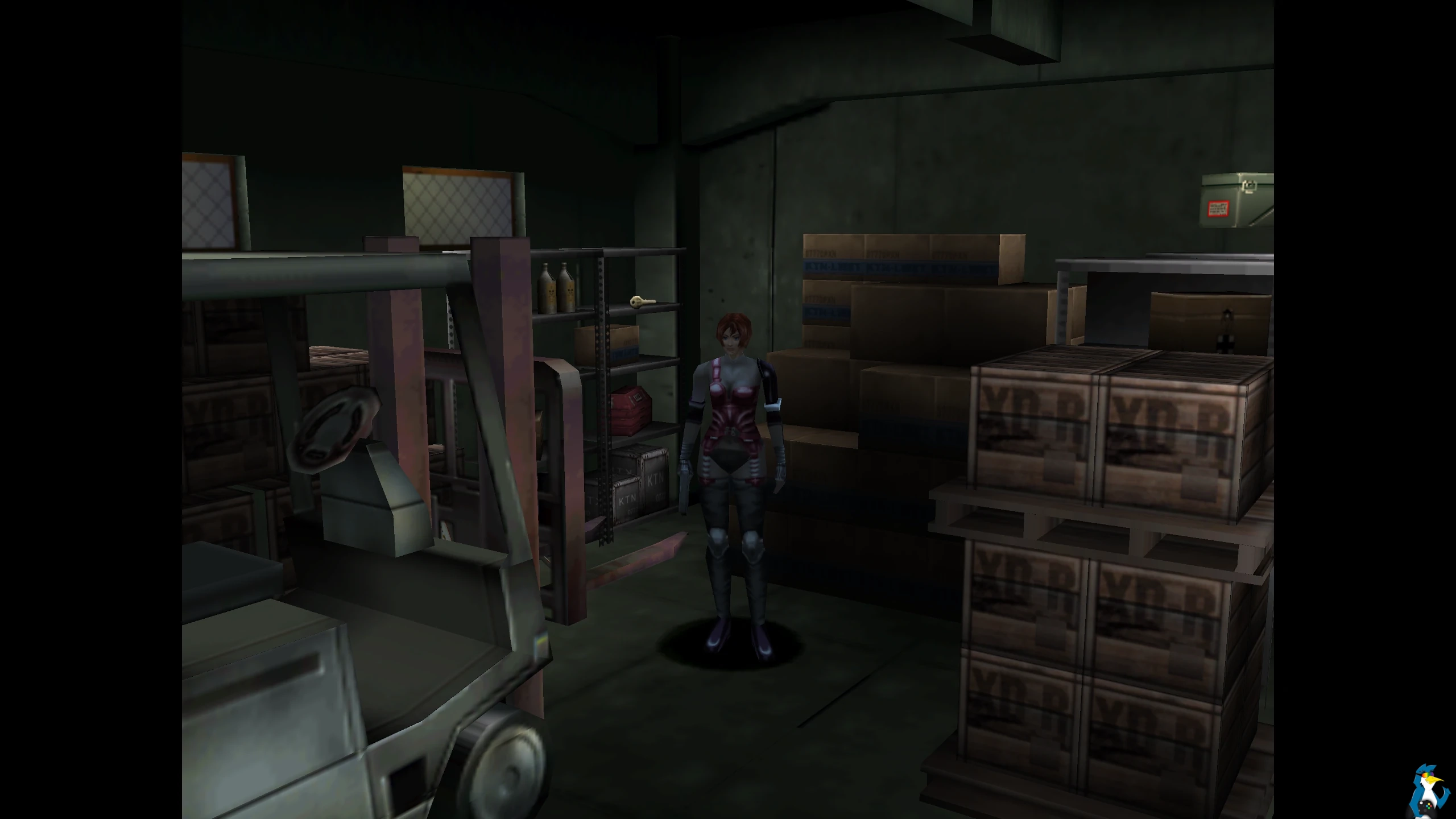
Pictured - Dino Crisis
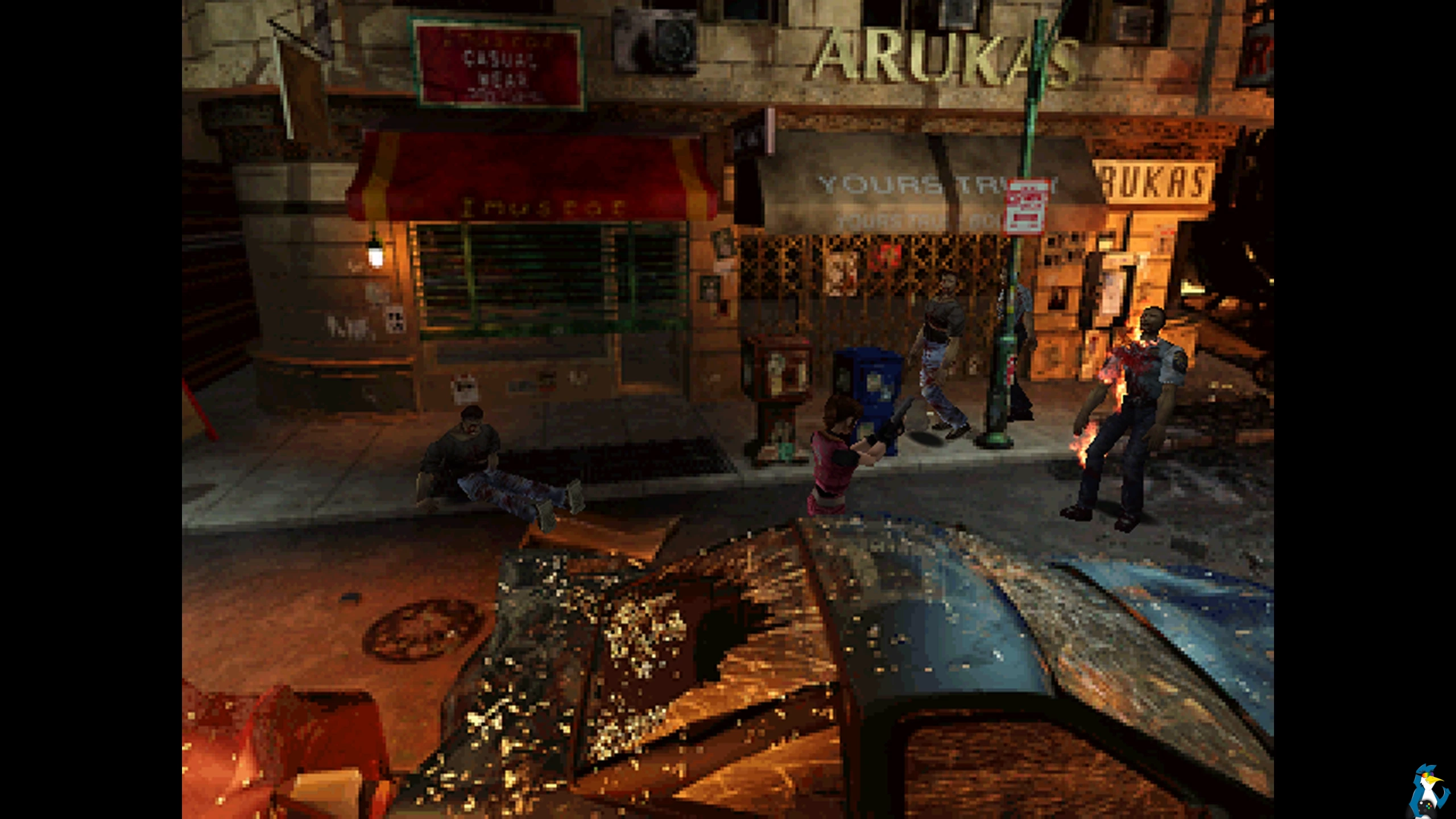 Pictured - Resident Evil 2
Other changes for the April 10th Proton Experimental update include:
- Added support for SteamWorks SDK 1.64.
- Fixed audio playback when playing intro videos in BIRDCAGE.
- Fixed DCS World Steam Edition getting stuck on launch.
- Fixed experimental-10 Regressions:
- Fixed DLSS support in Monster Hunter Stories 3: Twisted Reflection.
If you already have it downloaded it will show as an update in your Steam Downloads, otherwise you can search for it to install it manually. To use Proton Experimental, go into the game Properties and into the Compatibility menu. Tick the box at the top, then select Proton Experimental from the drop-down box that appears and it will then be set just for that specific game.
Source: Valve GitHub





See more from me


 You can also find comments for this article on social media:

 CyborgZeta 10 Apr 2026

 Patreon
 PayPal