 Support us on Patreon
 PayPal
The highly rated action-adventure platformer Cave Story+ now has the massive "Cave Story+ Update 2026" available but they dropped the Native Linux version.
You'll now have to use Proton by default for the Steam version. If you have Steam open, restarting it will have it swapped over to whatever Proton version you have set overall. Valve previously rated it as Steam Deck Playable with Proton 7. Looks like Valve need to give it a re-test for the new update and newer Proton versions as that's pretty outdated now.
This update was released in Beta back in April, but now it's out for everyone. There's a lot it adds to the game including a 2-player mode, mod support, enhanced visuals, and much more. It's mostly bringing over all the modern console port changes to the PC version. Expect to see the best version of it yet if you go diving back in.
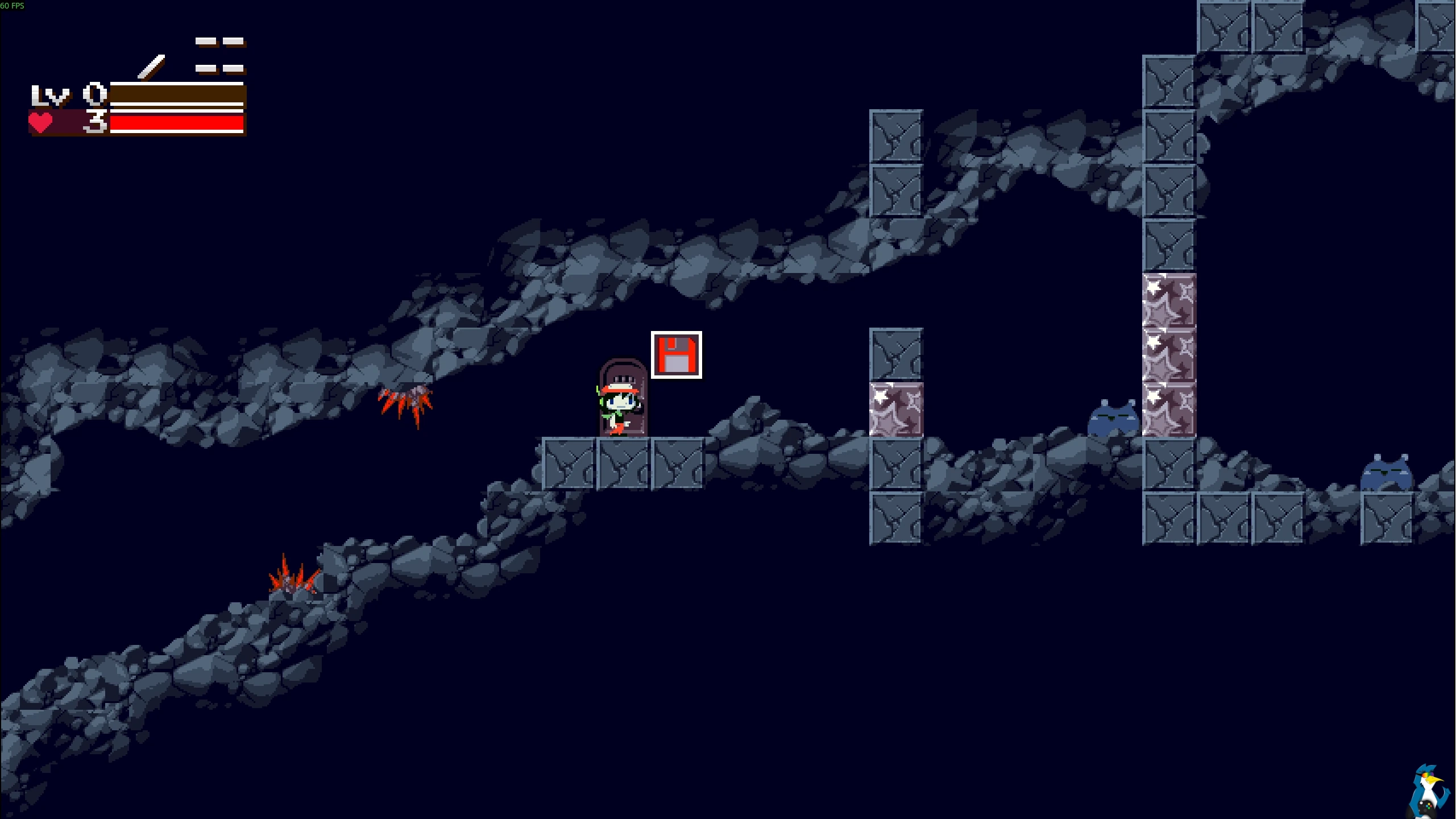
You could also try the doukutsu-rs project, which is a reimplementation of the Cave Story (Doukutsu Monogatari) engine with many quality-of-life improvements. They're working on support for the big new update.





See more from me


 You can also find comments for this article on social media:



Last edited by rea987 on 10 Jun 2026 at 5:18 pm UTC
Nooooot great.

Quoting: PhlebiacFor anyone (like me) who got it from some old Humble Bundle - reminder that the old Linux build is still available to download from there. The Windows and macOS builds are from Dec 2012 / Jan 2013 respectively, for an idea of build age (it doesn't say a date for the Linux packages).Majority of discontinued Linux and macOS builds of old HBs are still there. Yet, few of them such as Limbo's old 32 bit macOS build was removed even from user accounts. Not great... Or, Dear Esther's native Linux build used to be available on HB Store widged is no longer being sold but still available in the accounts of user who purchased old HBs... Not a great picture for game preservation...
 Mountain Man 12 Jun 2026

Quoting: Cley_FayeFor added fun, I had the game installed. So it is still installed, but can't be uninstalled, and can't be played. I just have a greyed out "install" button.The solution to this:
Nooooot great.
-Right-click Cave Story+ in your Steam library and select "Properties".
-In the left menu, Select "Installed Files", then click "Browse...".
-Go up one directory level to ".../SteamLibrary/steamapps/common/" and delete the "Cave Story+" directory.
-Close and restart Steam, and now the game should show an "Update" button which will allow you to install the new version.